

Computed Field List update
In the latest update, we have enhanced the Computed Field List page to keep the last modified/added Computed Field selected – this will make it easier to identify the Computed Field that you have just been working on.
Information Delivered™
In the latest update, we have enhanced the Computed Field List page to keep the last modified/added Computed Field selected – this will make it easier to identify the Computed Field that you have just been working on.

We have added cell colouring to the Export feature of the Table Visual. This is useful where you are using the Table Visual to display data in coloured cells (normally Amber and Red) and you want the data to be exported directly into Excel
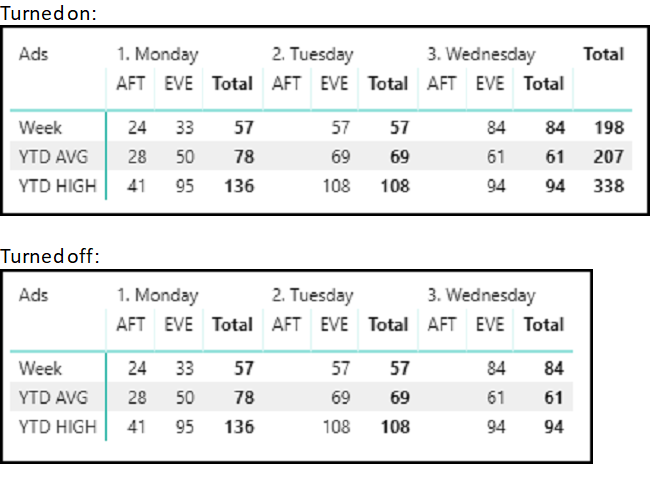
We have added the ability to toggle the final total column in Matrix Visuals, its as easy as checking the checkbox on the control and the Matrix Visual will then display (or not) the row total
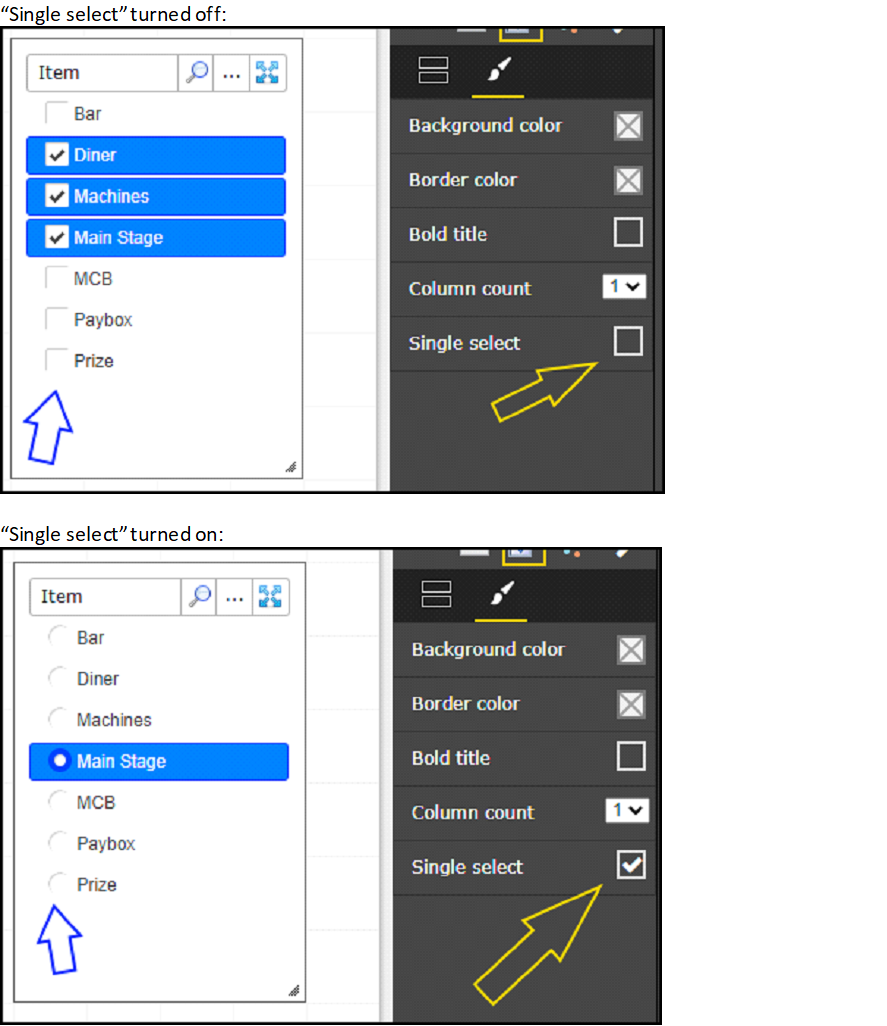
We have added a ‘Single select’ mode to Slicer Visuals. In this mode only one item can be selected at the same time – so the slicer now acts like a radio button.
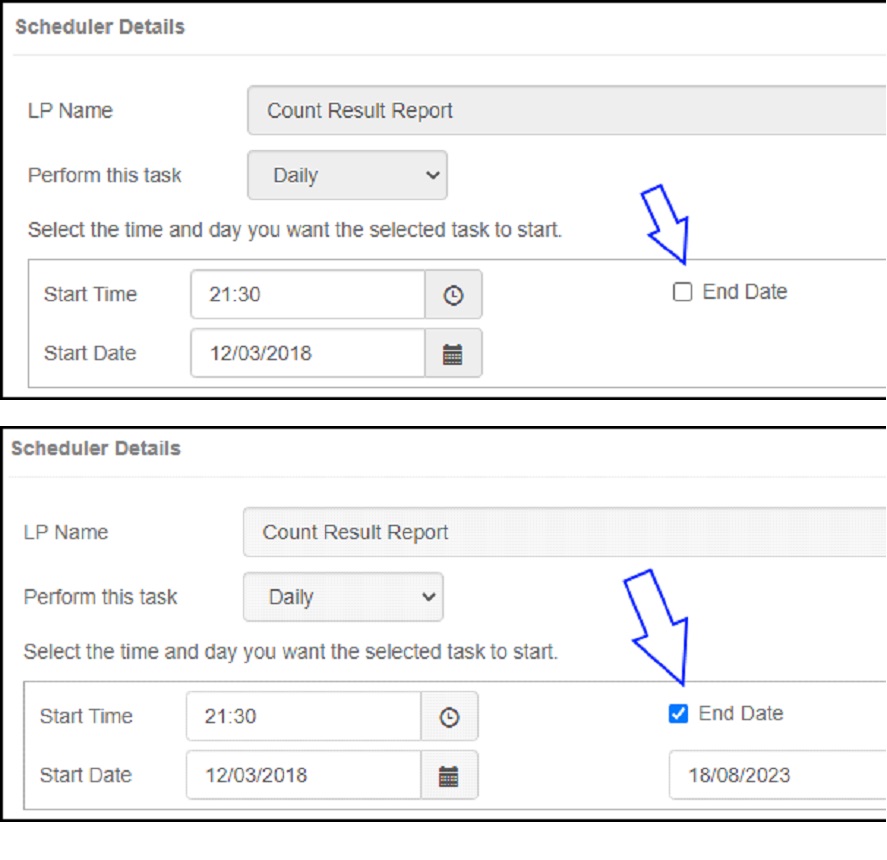
We have made a small change to the Scheduling section of EBI – and if you were not aware that you could schedule reports, extracts and data updates, then now you are 🙂 The change is that you can now either set an end date for the schedule, or, leave the end date open to…
Read more
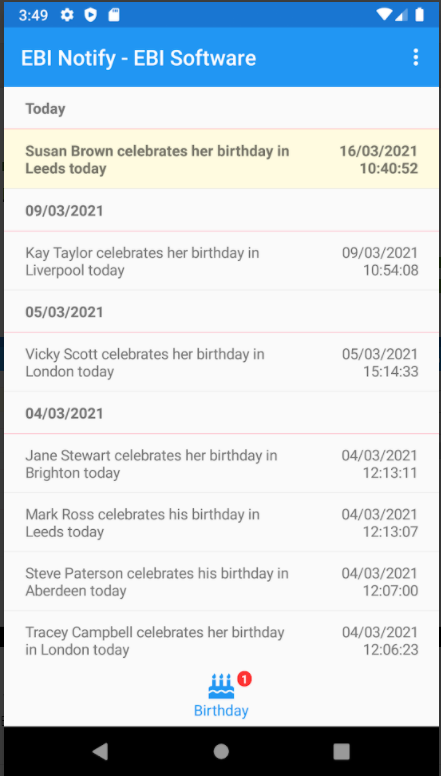
EBI have released our Mobile Notification app – EBI-Notify EBI-Notify has a number of applications and uses across different industries, for example, in the Membership sector, as soon as a member swipes in EBI-Notify will notify the club manager that it is the members birthday. We will be releasing more information on this across different…
Read more
The latest version of EnhancedBI changes the required Microsoft .NET Framework version from 4.5 to 4.5.2
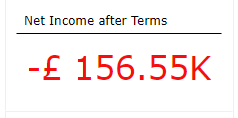
Using Dynamic Views, you see the change as the data changes, and if there is an issue, the colour will alert you
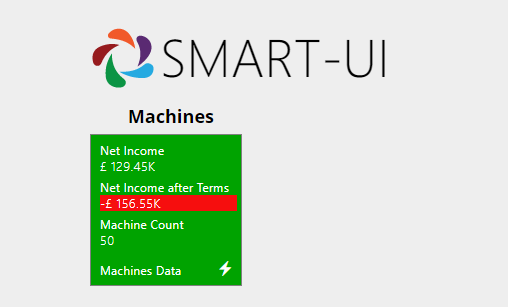
Now you can review all of your key performance figures directly from the HomeScreen at any time -you are in control. As you can see, any negative numbers are automatically highlighted in red.
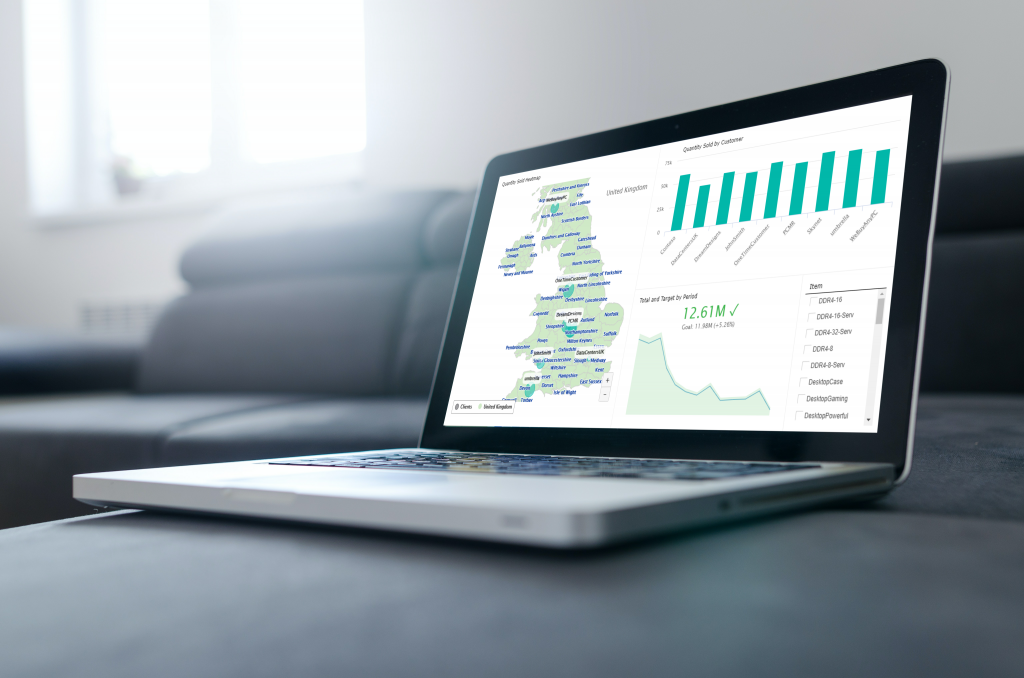
The latest updates to Enhanced BI (Smart-UI) have been released. The changes are: – added the ability to set a negative colour in Card Visuals – added the ability to change font size in Table Visuals – added a page count indicator to Table Visuals – fixed an issue with sorting data by renamed fields…
Read more